
Most solo travelers think safety apps are just for paranoid people. They’re wrong. The real risk isn’t getting lost—it’s not having a plan when things go sideways. A phone with the right apps is the difference between a bad situation and a disaster. Here are five that actually work.
1. bSafe — The One App That Does Everything
Most safety apps do one thing. bSafe does five. And it does them well.
The core feature is live location sharing. You set a timer before walking somewhere alone—say, from a hostel to a late-night convenience store. If you don’t check in by the time the timer runs out, the app automatically alerts your emergency contacts with your exact GPS location. No fumbling. No excuses.
Real-time voice activation
Say a trigger word like “Help” or “Danger,” and the app starts recording audio and video while sending your location. This works even if the screen is locked. The recordings are stored remotely, so an attacker can’t delete them.
Fake call feature
Need an excuse to leave a conversation that feels off? bSafe schedules a fake incoming call. It looks real, rings normally, and gives you a clean exit. This alone is worth the download.
Price: Free for basic. Premium at $4.99/month unlocks unlimited timers and longer recordings. Available on iOS and Android.
2. Noonlight — Your Invisible Guardian
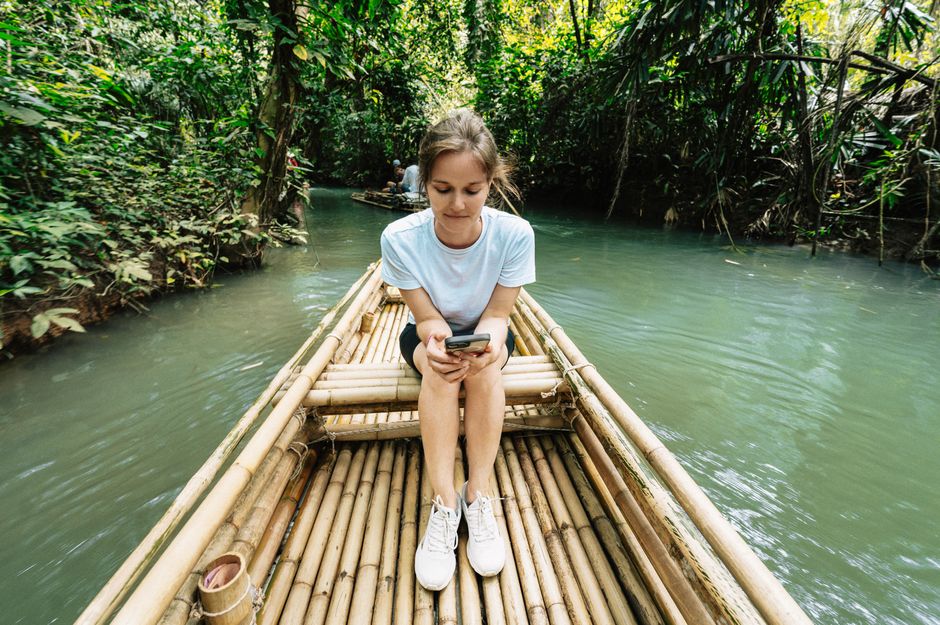
Noonlight is the app you forget you’re using—until you need it. It runs silently in the background, tracking your location and connecting to a real 24/7 monitoring center.
Here’s the flow: You hold a button in the app when you feel unsafe. If you let go without entering a PIN, Noonlight calls you. If you don’t answer, they contact local emergency services and send them your location. It’s that simple.
Works offline
Noonlight doesn’t need cellular data for the initial trigger. As long as your phone has a signal when you release the button, the alert goes through. This matters in subway stations, hiking trails, or remote bus stops.
Price: Free for basic. Premium at $4.99/month. No contract. Cancel anytime.
3. TripWhistle Global — The Only Number You Need
Here’s a problem nobody talks about: emergency numbers are different in every country. 911 works in the US and Canada. In Japan, it’s 110 for police and 119 for ambulance. In most of Europe, it’s 112. Memorizing all of them is impossible.
TripWhistle solves this. It detects your current country and displays the correct emergency numbers with one tap. No searching. No guessing.
Built-in SOS button
One tap sends an SMS with your GPS coordinates to pre-set contacts. The app also shows nearby hospitals, police stations, and embassies on a map. It’s not flashy. It’s essential.
Price: $2.99 one-time purchase. No subscriptions. Covers 200+ countries.
4. WhatsApp — You Already Have It. Use It Right.

You probably think of WhatsApp as a messaging app. It’s also a safety tool if you configure it correctly.
Most solo travelers don’t realize WhatsApp has a live location sharing feature that works for up to 8 hours. Share your location with a trusted contact when you start a long bus ride or a hike. They can watch your route in real time. If you don’t arrive when expected, they know exactly where to send help.
End-to-end encryption matters
In countries with surveillance concerns, WhatsApp’s encryption means your messages and location data stay private. No third party can intercept them. This is not a small thing for solo travelers in places with unstable governments.
Group check-ins
Set up a group chat with 2-3 family members or close friends. Send a daily “I’m safe” message with a photo. If they don’t hear from you for 24 hours, they know something is wrong. This costs nothing and takes 30 seconds.
Price: Free. Works on any smartphone with internet.
5. Google Maps — More Than Navigation
Everyone uses Google Maps for directions. Few people use it for safety. You should.
Share your trip progress
Before you start walking or driving somewhere, tap the blue dot, then “Share trip progress.” Select a contact. They’ll see your ETA, route, and live location until you arrive. No extra app needed.
Offline maps
Download the map of your destination city before you arrive. If your phone loses signal—which happens constantly in foreign countries—the map still works. You can still search for hospitals, police stations, and your hostel. This is the single most underused safety feature on any phone.
Price: Free. Pre-download maps over Wi-Fi before you leave.
| App | Best For | Price | Key Safety Feature |
|---|---|---|---|
| bSafe | Walking alone at night | Free / $4.99/mo | Timer-based alerts + fake call |
| Noonlight | Feeling unsafe in transit | Free / $4.99/mo | 24/7 monitoring center |
| TripWhistle | Emergency numbers abroad | $2.99 one-time | Country-specific SOS |
| Daily check-ins | Free | Live location sharing | |
| Google Maps | Navigation + offline safety | Free | Trip progress sharing |
One more thing: None of these apps work if your phone is dead. Carry a portable battery pack. A 10,000mAh one costs $20 and charges a phone twice. That’s cheaper than a taxi from a bad neighborhood.
Install these before your next trip. Set them up at home where you have Wi-Fi and time. Then forget about them until you need them. That’s the point.